 CARDAXO

Virtual card
Gold Card
$5to issue, then $1 a month
- Online, and in shops with Apple Pay and Google Pay
- Ready in the app minutes after KYC
- Up to 1.5% back in Candy
- Freeze and reveal details in the app
The card
A virtual card you can use within minutes, and a physical card for shops and ATMs. Both draw on the same card balance and earn Candy on every payment.
Choose your card
Virtual card
$5to issue, then $1 a month
Physical card
$50one time, free delivery
Fees as shown in the Cardaxo app. See the full fee list.
| Gold Card | Black Card | |
| Status | Available now | Coming soon |
| Format | Virtual, in the app | Physical card with security chip |
| Online payments | Yes | Yes |
| In-store payments | Through Apple Pay and Google Pay | Chip, PIN and contactless |
| ATM withdrawals | Not available | Yes |
| Card fee | $5 issuance, then $1 a month | $50 one-time, free delivery |
| Candy cashback | Up to 1.5% | Up to 1.5%, same monthly tiers |
| Controls | Freeze and reveal details in the app | Freeze from the app at any time |
| Balance | Shared: both cards spend from the same card balance | |
How to get it
Verify your identity in the app with your passport and a selfie.
About 2 minutesChoose a first deposit of at least $20 and pay it with the $5 issuance fee and the 2% top-up fee.
From $20Your virtual card arrives in the app automatically, ready for Apple Pay and Google Pay.
Instant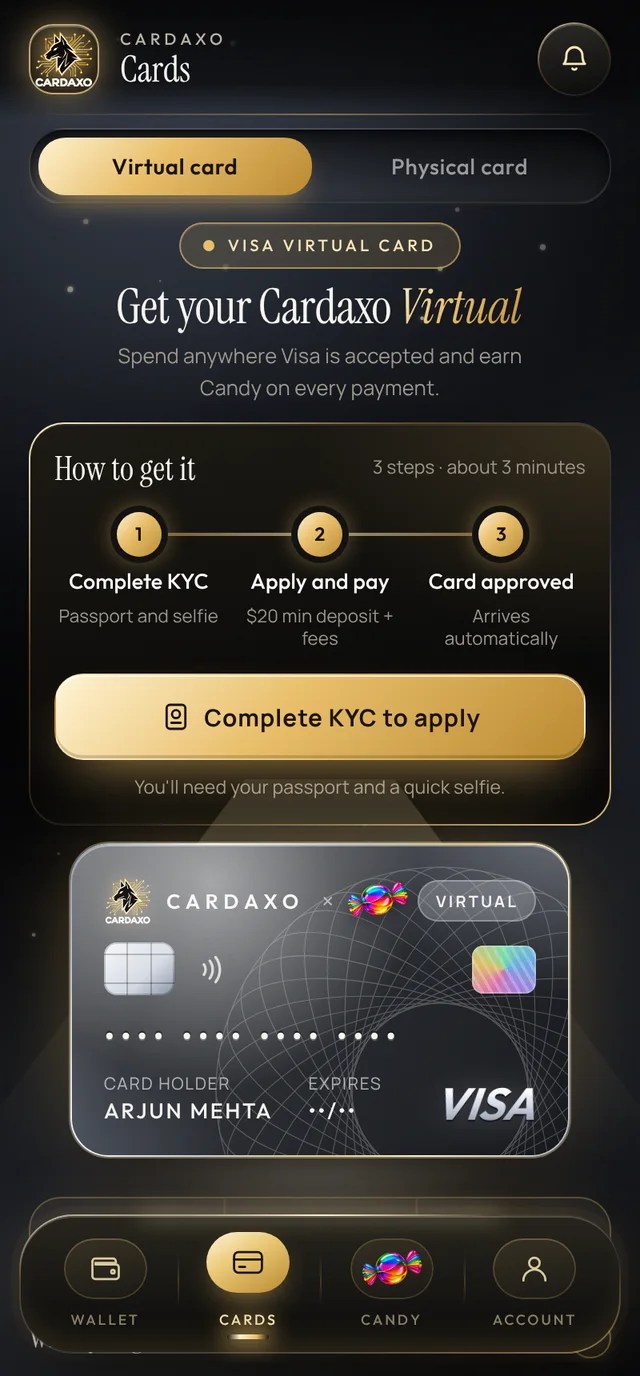
In your hands
Every control sits next to your card in the Cards tab.
All new charges are declined until you unfreeze. Your balance stays as it is.
Card number, expiry date and CVV stay hidden until you choose to show them.
Add the card from the Cards tab and tap to pay in shops.
Choose the asset and the amount. Funds arrive on the card straight away.
Black Card · coming soon
Bookings for the physical card will start soon. Leave your details and we will tell you when they open.
Get your card
Download Cardaxo, complete KYC with your passport and a selfie, and your virtual Gold Card is issued in minutes.