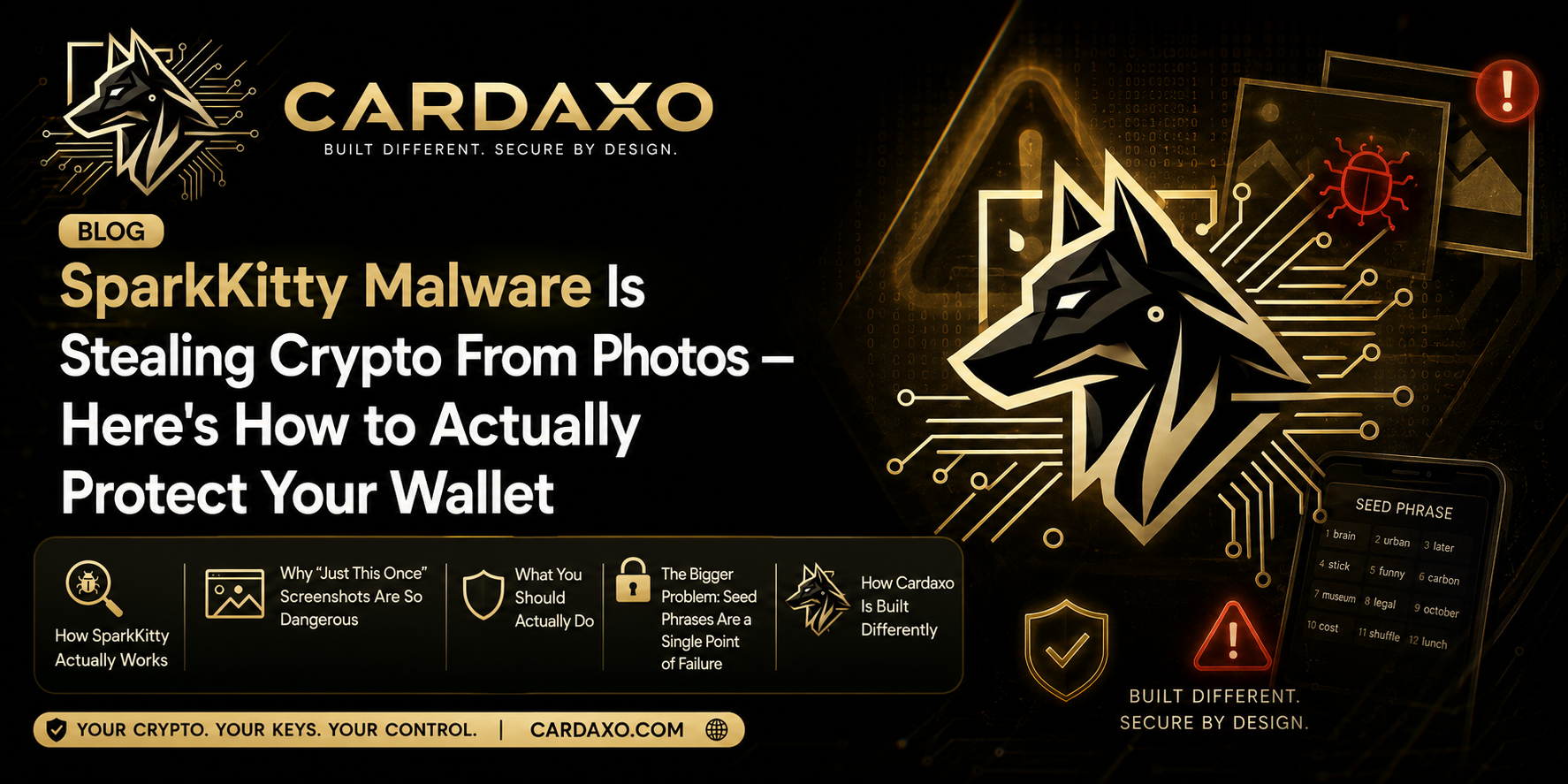
A new piece of malware just proved something crypto users have been warned about for years but rarely take seriously: your phone’s photo gallery might be the weakest link in your entire crypto security setup.
Security researchers at Kaspersky recently uncovered a malicious app called SparkKitty hiding inside apps distributed through both the Apple App Store and Google Play — two platforms most people implicitly trust. Once installed, it quietly scans your photo gallery using OCR (optical character recognition) technology, hunting for one very specific type of image: screenshots of crypto seed phrases.
If it finds one, it’s game over. Whoever controls that seed phrase controls every asset in the wallet it belongs to — no password, no second factor, no recovery option can stop them.
How SparkKitty Actually Works
The attack isn’t sophisticated in the way a lot of crypto hacks are. It doesn’t need to break encryption, guess passwords, or exploit a blockchain vulnerability. It just needs you to have done one very common, very human thing: taken a screenshot of your seed phrase “just to be safe.”
Here’s the sequence:
- The malicious app gets installed, often disguised as something unrelated to crypto entirely.
- In the background, it requests photo gallery access — a permission many apps ask for and many users grant without a second thought.
- Using OCR, it scans every image for text patterns that look like a seed phrase (typically 12 or 24 specific words in a row).
- Any match gets extracted and sent to the attacker, along with other sensitive data it can find in your gallery.
- From there, your wallet can be drained in seconds, with no warning and no way to reverse it.
The scary part isn’t the malware’s complexity — it’s how ordinary the mistake it exploits actually is.
Why “Just This Once” Screenshots Are So Dangerous
Almost everyone who’s ever set up a crypto wallet has been tempted to screenshot the seed phrase at some point. It’s fast, it’s convenient, and it feels harmless in the moment. But that single screenshot creates a permanent, searchable, exportable copy of the one piece of information that fully controls your funds.
Once that image exists on your device, it’s vulnerable to:
- Malware like SparkKitty scanning your gallery directly
- Cloud backup syncing it to iCloud or Google Photos, expanding the attack surface
- Screen-sharing apps or remote support tools accidentally exposing it
- Simply losing or lending your phone to someone else
The seed phrase was designed to be the one thing you never digitize. A malware campaign built specifically to exploit screenshots is proof that this rule isn’t paranoia — it’s the actual threat model attackers are counting on.
What You Should Actually Do
If you’ve ever screenshotted a seed phrase, the fix isn’t complicated, just urgent:
Delete the screenshot immediately
from your gallery and from any cloud backup it may have synced to.
Move funds to a new wallet
with a freshly generated seed phrase that was never digitized, if you have any reason to believe the image was exposed.
Write seed phrases down on paper
(or engrave them on metal) and store them somewhere physical and secure — never as a photo, note app entry, or cloud document.
Audit app permissions
on your phone regularly, and revoke gallery access for anything that doesn’t genuinely need it.
Only install apps from verified publishers
, and be skeptical even of App Store and Google Play listings — as SparkKitty proves, official platforms aren’t a guarantee of safety.
The Bigger Problem: Seed Phrases Are a Single Point of Failure
Step back from SparkKitty for a second, and the real issue becomes clear: traditional crypto wallets are only as secure as one string of words. Whoever has it — you, an attacker, malware, or a careless screenshot — has full and irreversible control. There’s no in-between state, no partial compromise. It’s all or nothing.
That single-point-of-failure design is exactly why a piece of screenshot-scanning malware can be so devastating. It’s not attacking a system with layered protections — it’s attacking a system where one image file is the entire security model.
How Cardaxo Is Built Differently
This is precisely the problem our wallet architecture was designed to eliminate. Cardaxo is designed with a security-first approach, combining Web3 wallet technology, advanced encryption, KYC identity verification, and secure crypto-to-fiat conversion to help protect users and their transactions. Its virtual card uses a unique card number, expiry date, and CVV for secure online payments, while real-time transaction management and compatibility with Apple Pay and Google Pay add another layer of convenience and control.
Users simply top up their card from supported wallets and spend their crypto at merchants, without needing to manage or expose a recovery seed phrase within the Cardaxo spending experience.
By removing the need to handle seed phrases during day-to-day payments, Cardaxo simplifies using crypto in the real world while reducing one of the most common targets for phishing and malware attacks. And every time you spend through the card, you earn CANDY rewards, so security and everyday usability aren’t a trade-off — they’re built into the same product.
Read more – Why Crypto Cards Are Shutting Down — And How Cardaxo Is Different
Bottom Line
SparkKitty is a reminder that the biggest threats to your crypto often aren’t exotic blockchain exploits — they’re ordinary habits, like a screenshot you forgot you took. Deleting that screenshot today is a five-minute fix. Rethinking how your seed phrase is stored, or moving to a wallet architecture that removes the single point of failure entirely, is the fix that actually holds up long-term.
If you’re evaluating wallets right now, our breakdown of what actually matters when choosing a crypto card and wallet covers security architecture in more depth, alongside fees and usability.
Check your photo gallery today. If there’s a seed phrase screenshot in there, delete it now — and consider a wallet built so that mistake can’t drain your funds in the first place. See how Cardaxo’s MPC wallet works.